September 7, 2025
What Accounts Payable Automation Implementation Actually Involves
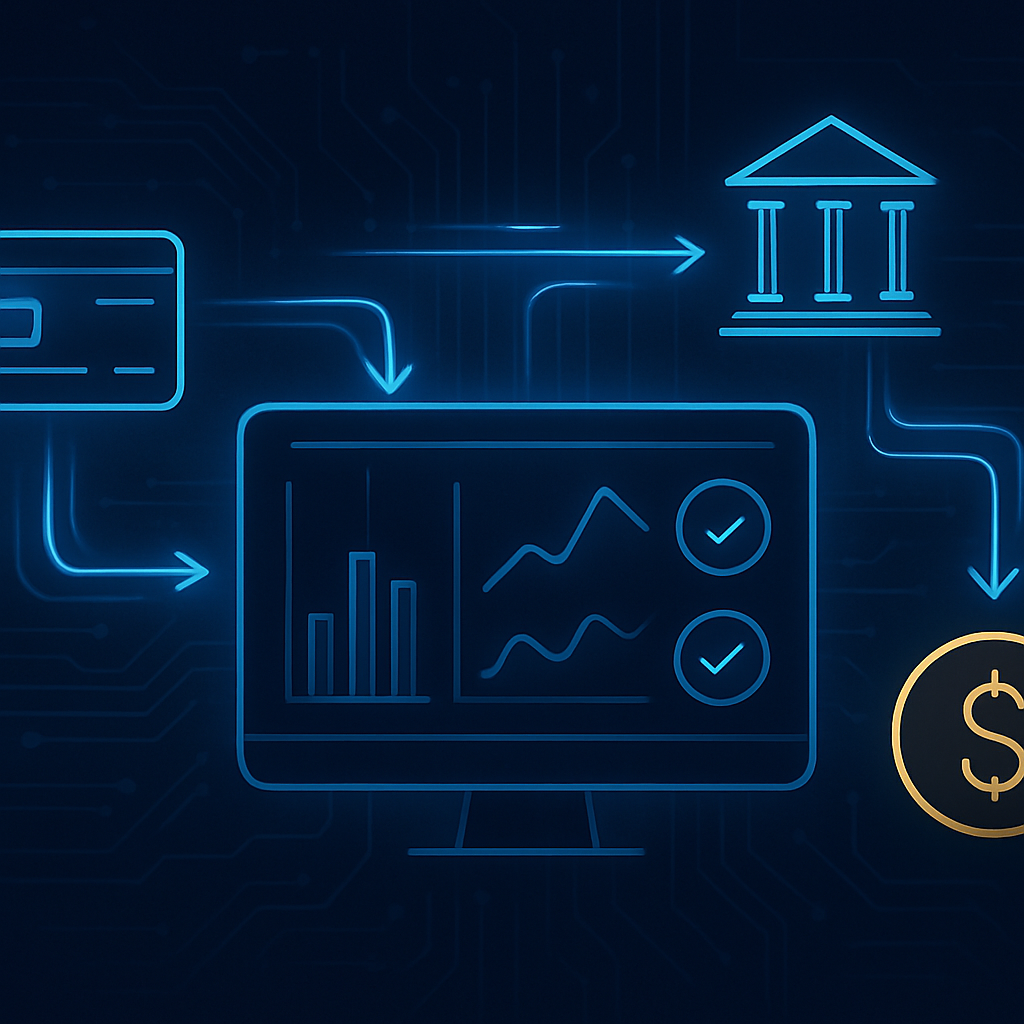
Accounts payable automation implementation is one of the highest-return projects a mid-size business can run this year. Most finance teams still spend hours each week keying invoice data, chasing approvals, and reconciling discrepancies that a well-configured system would catch in seconds. That gap between what your team is doing and what intelligent automation can do is where money quietly disappears.
This guide walks through how to plan, build, and run an automated AP process from the ground up. We will cover what to measure before you start, how to sequence the work, and where most implementations go sideways so you can avoid those traps.
Why Accounts Payable Is the Right Place to Start Automating
AP is rule-heavy, repetitive, and high-volume. Those three qualities make it exactly the kind of work that automation handles well. A human brain is wasted on three-way matching; software does it faster and without fatigue-driven errors.
There is also a compounding urgency here. Businesses that are still running manual AP processes are not just inefficient today. They are falling behind competitors who are reinvesting the hours they recovered into sales, customer experience, and growth. The technology evolution happening right now is not slowing down to let anyone catch up on their own schedule.
Intelligent automation is no longer a productivity option. It is a survival requirement. Businesses that delay automating their core operations are not preserving the status quo. They are actively losing ground.
Mapping Your Current AP Process Before Touching Any Software
The first step has nothing to do with technology. Before you configure a single workflow, document exactly how invoices move through your organization today.
What to capture in your process map
- Where invoices arrive (email inboxes, portals, physical mail, EDI feeds)
- Who touches each invoice and in what order
- How long each step takes on average
- Where invoices get stuck most often and why
- What your current error rate and late payment rate look like
- Which vendor relationships are at risk because of slow payment cycles
This exercise usually surfaces two things: the actual bottleneck (which is often not where people assume it is) and a clear picture of what success looks like once automation is running.
Set a baseline. Record your current cost per invoice processed, average days to pay, and the number of hours your team spends on AP each week. You will need these numbers later to measure what the project actually delivered.
Choosing the Right Automation Architecture for AP
There is no single tool that handles accounts payable automation perfectly for every business. What you need depends on your invoice volume, your existing accounting system, how many vendors you manage, and how complex your approval rules are.
The three layers of a well-built AP automation system
Capture and extraction. This is where invoices enter the system and data gets pulled out of them. Optical character recognition combined with machine learning reads PDFs, scanned documents, and even images, then extracts vendor name, invoice number, line items, amounts, and due dates. The better systems handle handwritten invoices and non-standard formats without constant human correction.
Validation and matching. Once data is extracted, the system checks it against purchase orders and receiving records. A three-way match confirms that what was ordered, what was received, and what the vendor is billing all align. Exceptions get flagged; clean invoices move forward automatically.
Approval routing and payment. Approval rules get configured based on invoice amount, vendor type, department, or any other dimension that matters to your business. Once approved, the system posts to your accounting platform and queues payment. Some businesses also automate the payment execution itself, though many prefer to keep a human hand on final disbursement.
Where workflow automation fits in
The connective tissue between these layers is a workflow automation engine. This is what routes invoices to the right approver, sends reminders when approvals are overdue, updates your ERP, and notifies your team when an exception needs attention.
Platforms like Accelimate AI are built specifically to handle this kind of intelligent, connected workflow across an organization's operations. Rather than stringing together separate tools with fragile integrations, a purpose-built platform keeps the logic centralized and easier to maintain as your business changes.
A Step-by-Step Implementation Sequence
Most implementations that fail do so because teams try to automate everything at once. A phased approach almost always produces better results and lower risk.
Phase 1: Standardize inputs (weeks 1 to 3)
Before automation can work reliably, your incoming invoices need to arrive through predictable channels. If vendors are sending invoices to twelve different email addresses and two paper fax machines, fix that first. Set up a single dedicated inbox or vendor portal. Update your vendor onboarding documents to require a consistent invoice format. This step alone reduces extraction errors significantly.
Phase 2: Automate capture and extraction (weeks 3 to 6)
Configure your capture tool and run it against a sample of historical invoices. Measure extraction accuracy. Train the model on your specific vendor formats. Do not move to the next phase until extraction accuracy is consistently above 95 percent on your real invoice mix. Anything lower means your team will spend more time correcting the system than they saved.
Phase 3: Build and test approval workflows (weeks 5 to 8)
Map your approval rules precisely before configuring them. Who approves invoices under $500? Over $10,000? What happens when the primary approver is out of office? Build in escalation paths from the start. Test every rule with real invoice data, including edge cases, before going live.
Phase 4: Integrate with your accounting system (weeks 7 to 10)
This is where most technical complexity lives. Your AP automation layer needs to write clean, correctly coded data to your general ledger without duplication or mapping errors. Test this integration with a small batch of invoices before opening the floodgates. Reconcile the results manually to confirm accuracy.
Phase 5: Go live and measure (week 10 onward)
Run automated and manual processes in parallel for the first two to four weeks. This gives your team confidence and gives you a safety net while the system settles. Once parallel processing confirms accuracy, cut over fully. Then measure against your baseline from phase one.
The Mistakes That Derail AP Automation Projects
Knowing what goes wrong is as useful as knowing what to do. These are the failure patterns we see most often.
Skipping the process documentation step
Automating a broken process makes the problems faster and harder to find. Teams that skip the mapping step often end up automating workarounds that exist because of an upstream issue no one fully understood.
Underestimating exception handling
The clean-path scenario is easy to automate. The edge cases are where time gets spent. Budget for exception handling in your workflow design. Every invoice that does not match a PO, every vendor with a disputed charge, every invoice in a foreign currency needs a defined path through the system.
Treating it as an IT project
AP automation works best when the people who actually process invoices help design the workflows. Finance team members know where the real friction is. IT knows how the systems connect. Both need to be involved from the start, not sequentially.
Neglecting vendor communication
If your vendors do not know how to submit invoices to your new system, you will spend weeks manually ingesting paper invoices while your automated system sits idle. Send a simple one-page guide to every active vendor before you go live. Give them a contact for questions. This is an easy step that most teams forget.
What Good AP Automation Looks Like at Scale
Once the system is running well, the returns go beyond time saved. Early payment discounts become accessible because invoices no longer sit in someone's inbox for a week. Vendor relationships improve because payments arrive predictably. Audit preparation shrinks from days to hours because every invoice action is logged and searchable.
Finance leadership also gets something more valuable than speed: visibility. A well-configured AP automation system shows you, in real time, what is approved, what is pending, what is disputed, and what your cash commitment looks like for the next 30 days. That is a different category of information than what a manual process can produce.
Businesses running Intellimate AI as their central operations platform can connect AP workflows directly to procurement, vendor management, and financial reporting, so the data stays consistent across the whole organization rather than living in separate systems that need to be reconciled by hand.
Keeping the System Current
Automation is not a one-time project. Vendor formats change. Approval hierarchies change. Tax rules change. Build a quarterly review into your AP operations calendar to check extraction accuracy, audit exception rates, and update workflows as the business evolves.
The teams that get the most out of AP automation treat it as a living system, not a deployment they check off and move on from. Small adjustments made regularly outperform large overhauls made under pressure.
The pace of technology change means the tools themselves will also keep improving. AI-assisted coding of invoice line items, predictive payment scheduling, and real-time fraud detection are already moving from advanced capabilities to standard features. Organizations that build a solid automation foundation now will be positioned to add those capabilities without rebuilding from scratch.
Start by booking a free first consultation with our team, with no obligation, to map out what an AP automation implementation would look like for your specific operation.