January 21, 2026
Workflow automation is the practice of using software to complete repeatable business tasks without human intervention at every step. If your team spends hours each week copying data between systems, sending follow-up emails, or waiting on someone to approve a routine request, those are workflows that can be automated, and the time recovered adds up fast.
This guide explains what workflow automation is, how it works, and why getting started now matters more than it did even two years ago.
What Is Workflow Automation?
A workflow is any sequence of steps that moves work from one state to another. A sales lead comes in, gets assigned to a rep, moves through qualification, and eventually becomes a customer or gets marked closed. That's a workflow. So is onboarding a new employee, processing an invoice, or publishing a piece of content.
Workflow automation means software handles some or all of those steps automatically, based on rules you define. When a trigger happens, the system takes an action. No one has to remember, no one has to log in and move a card or send a notification. It just happens.
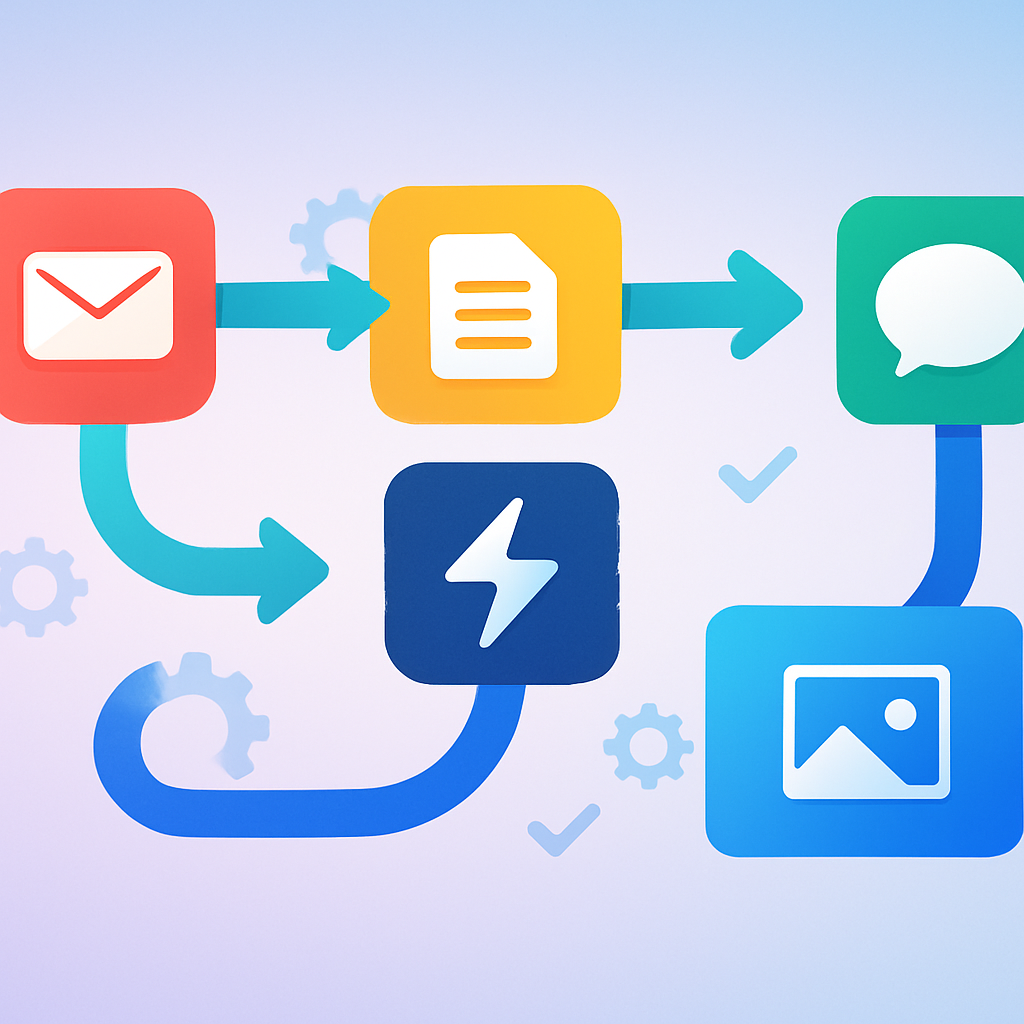
The trigger might be a form submission, an email arriving, a date on the calendar, or a status change in your CRM. The action might be sending an email, creating a task, updating a record, or notifying a team member. Chain those together and you have an automated workflow.
A Simple Example
A potential customer fills out a contact form on your website. Without automation, someone on your team eventually sees the submission, manually adds the contact to your CRM, sends a reply email, and creates a follow-up task. That might take anywhere from minutes to hours, depending on who's around.
With workflow automation, the moment the form is submitted, the contact is added to your CRM, a personalized reply goes out in seconds, a follow-up task is assigned to the right rep, and the lead is tagged based on what they asked about. The rep wakes up in the morning and the work is already done.
How Workflow Automation Works
Most workflow automation tools are built around a logic structure you can think of as: if this happens, do that. Some platforms call it triggers and actions. Others use terms like events and responses. The concept is the same.
Here's how the basic mechanics break down:
- Trigger: The event that starts the workflow. This could be a new row in a spreadsheet, an email with a specific subject line, a webhook from another app, or a scheduled time.
- Condition: Optional logic that checks whether the action should run. For example, only proceed if the lead is in a certain geographic region or if the invoice is over a certain amount.
- Action: What the system does. Send a message, create a record, update a field, generate a document, notify a person.
More sophisticated workflows string together multiple triggers, conditions, and actions. They branch based on outcomes. They wait for inputs before continuing. They loop until a condition is met. The underlying logic is still the same, just more layered.
Integration Is Central to It
Workflow automation rarely lives inside a single application. It works by connecting the tools your business already uses. Your CRM talks to your email marketing platform. Your project management tool talks to your Slack channel. Your accounting software talks to your payment processor.
This is why integration capabilities matter when you're evaluating automation tools. A platform that connects to dozens of common business applications gives you far more flexibility than one that only works within its own ecosystem.
What Kinds of Tasks Can Be Automated?
Almost any task that follows a consistent pattern and doesn't require judgment can be automated, at least in part. Here are categories where businesses see the clearest gains:
Lead Management and Sales
- Capturing leads from forms, ads, or chat and adding them to a CRM
- Assigning leads to sales reps based on territory or product interest
- Sending follow-up email sequences based on where someone is in the funnel
- Alerting a rep when a prospect opens an email or revisits your pricing page
Operations and Internal Processes
- Routing approval requests to the right person automatically
- Sending reminders before deadlines or renewals
- Updating project status when a dependent task is marked complete
- Generating reports from data that already exists in your systems
Customer Communication
- Sending order confirmations, shipping updates, and receipts
- Triggering check-in emails a set number of days after a purchase
- Escalating support tickets that haven't been responded to within a defined window
- Collecting feedback automatically after a service interaction
Finance and Administration
- Matching invoices to purchase orders and flagging discrepancies
- Sending payment reminders at scheduled intervals
- Syncing expense records between platforms
- Creating recurring tasks for compliance or audit preparation
The list keeps going. HR onboarding, content publishing, inventory alerts, IT helpdesk routing, each of those domains has repeatable steps that software handles reliably.
Workflow Automation vs. Related Terms
People use several terms interchangeably, and it creates confusion. Here's how they relate:
Automation vs. AI Automation
Basic workflow automation follows rules you write. If the invoice is over $5,000, route it to the CFO. That rule never changes unless you change it.
AI automation adds a layer of intelligence. Instead of a fixed rule, the system can interpret unstructured content, classify it, make a judgment, and take action. An AI-assisted workflow might read an incoming support email, understand what the customer is asking, categorize the issue, draft a response, and route it, without you having to anticipate every possible phrasing in advance.
This distinction matters because AI automation handles the messy, variable work that rule-based systems can't. That's where platforms like Accelimate AI and Intellimate AI operate: not just automating what you've mapped out, but handling the judgment calls that used to require a person.
Workflow Automation vs. RPA
Robotic Process Automation (RPA) uses software bots to mimic human actions inside an application, clicking buttons, filling fields, reading screens. It's useful when there's no API to connect systems directly. Workflow automation, in contrast, typically works through direct system integrations rather than simulating human interaction with a user interface. Both have their place, but workflow automation is generally faster to build and easier to maintain.
Workflow Automation vs. Business Process Management
Business Process Management (BPM) is a broader discipline focused on analyzing, designing, and improving how work gets done across an organization. Workflow automation is one of the tools BPM uses to execute those improvements. You can have BPM without much automation (mostly documentation and governance), but automation without BPM thinking tends to produce fragmented, hard-to-maintain systems.
Why Businesses Can't Afford to Ignore This
Technology is evolving faster now than at any previous point in business history. That's not an abstract observation. The practical reality is that the gap between organizations running intelligent, automated operations and those relying primarily on manual processes is widening every quarter.
When a competitor automates their lead follow-up, they respond in seconds and you respond in hours. When they automate their financial reconciliation, their team is analyzing data while yours is still compiling it. These aren't hypothetical advantages. They compound over time.
The cost of labor for repetitive knowledge work is also not going down. Skilled people are expensive, and spending their time on tasks a system can handle is a drag on both your budget and their engagement. Workflow automation frees people to do work that actually requires them.
There's also a reliability argument. Automated systems don't forget steps. They don't have off days. They don't miss a follow-up because something urgent came up. For processes where consistency matters, like compliance, billing, or customer communication, automation reduces the risk of human error at a structural level.
AI Makes This More Urgent
The emergence of capable AI systems has changed the ceiling for what automation can do. Work that couldn't be automated two years ago because it required reading, reasoning, or responding to variable inputs can now be handled by AI-powered workflows.
This creates a choice for every business: build operations that use these capabilities now, or fall behind organizations that do. The window to treat intelligent automation as optional is closing. For mid-size businesses especially, the organizations that build automated operations in the next two or three years will carry advantages that become very difficult to close later.
Getting Started with Workflow Automation
Starting is simpler than most business owners expect. You don't need to automate everything at once. The right approach is to start with one painful, repetitive process and build from there.
Step 1: Pick One Process
Choose a workflow your team runs repeatedly, one that has clear steps and doesn't depend heavily on judgment. Lead intake, invoice routing, and new employee onboarding are all good starting points. The more frequently the process runs, the faster you'll see the return.
Step 2: Map It Out First
Before touching any software, write down every step the process currently involves. Who does what, in what order, and what information moves between steps? This exercise almost always reveals redundancies and unclear ownership that exist independent of automation. Fixing those first makes the automation cleaner.
Step 3: Identify the Right Tool
The right platform depends on what systems you already use, how technical your team is, and how complex your workflows need to be. Some tools are designed for simple, no-code connections between popular apps. Others are built for complex, multi-step workflows that need conditional logic, error handling, and integration with custom systems. Know what you're solving for before you evaluate options.
Step 4: Build, Test, and Iterate
Start with the simplest version of the workflow that delivers value. Test it thoroughly with real data before you rely on it for live operations. Then refine it based on what you observe. Automation is not a set-it-and-forget-it exercise. The best-automated workflows improve over time as your understanding of the process deepens.
Step 5: Measure the Impact
Track time saved, error rates, and process completion speed before and after. These numbers tell you where to invest next and help you make the case for broader automation initiatives internally.
Building Toward Intelligent Operations
Individual automated workflows are valuable on their own. But the larger opportunity is to connect them into an integrated operating layer: a set of systems where data flows automatically, decisions happen at the right level, and your team is working on strategy rather than administration.
That's what intelligent operations looks like in practice. It's not a single tool or a single project. It's the cumulative effect of building automation into how your business runs, process by process, until the organization itself operates more like a system than a collection of manual habits.
Platforms like Intellimate AI and Vigilimate AI are built with this in mind: not just automating isolated tasks, but giving organizations the infrastructure to run with the kind of operational intelligence that used to require a much larger team.
If you're ready to map out where automation can make the biggest difference in your business, book your free first consultation with no obligation, and we'll help you identify the right starting point.