
How to Conduct a Website Usability Test for Your Small Business
September 1, 2024
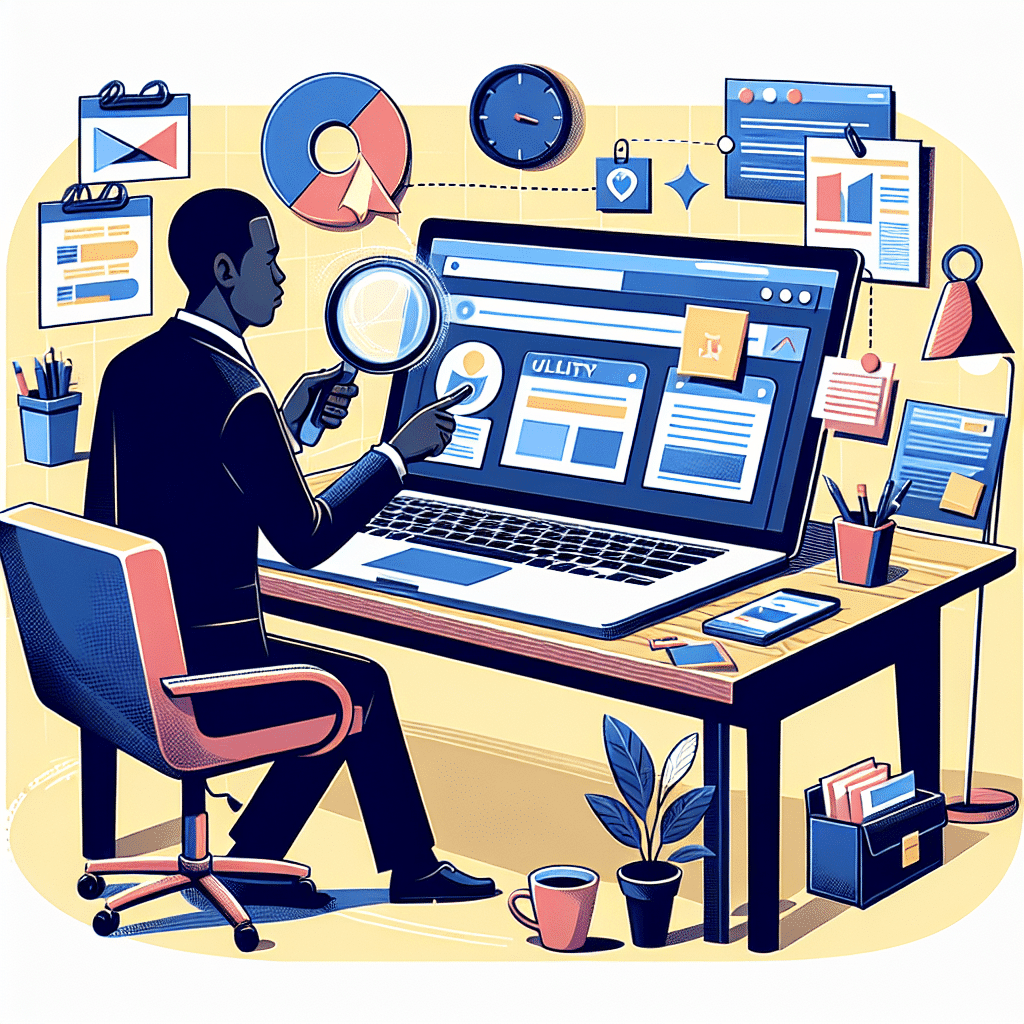 Running a small business involves ensuring your website is both effective and user-friendly. One way to achieve this is through website usability testing, which helps pinpoint and fix barriers that may hinder user experience, consequently affecting sales and reputation. This blog post provides a step-by-step guide on conducting usability tests and explains their significance.
The importance of usability testing cannot be overstated—it ensures your site is user-friendly, easy to navigate, and free from confusing design elements, ultimately leading to happier customers and increased traffic. The process involves several steps:
1. Plan Your Test: Identify the site areas and set clear goals, like checking if links work or if users can easily find contact information.
2. Choose Your Participants: Select 5-10 people who match your target audience and haven't used your site before.
3. Create Test Tasks: Develop tasks that align with your goals, such as finding the "Contact Us" page or completing a purchase.
4. Observe and Record: Watch participants as they perform tasks, taking notes and possibly recording sessions to catch confused expressions or questions.
5. Analyze the Results: Review your notes to identify common problems and patterns.
6. Make Improvements: Fix the most critical issues and test changes internally before they go live.
Various tools like Google Analytics, UserTesting, and Hotjar can assist in this process, offering valuable insights and feedback from real users.
If the task seems overwhelming, partnering with experts like Media & Technology Group, LLC can provide the necessary support, offering services from website design to business process automation.
Usability testing is fundamental for a successful online presence, and with proper planning and tools, you can enhance your website’s user experience significantly. For a deeper dive into each step and more tips, be sure to read the full article.
Running a small business involves ensuring your website is both effective and user-friendly. One way to achieve this is through website usability testing, which helps pinpoint and fix barriers that may hinder user experience, consequently affecting sales and reputation. This blog post provides a step-by-step guide on conducting usability tests and explains their significance.
The importance of usability testing cannot be overstated—it ensures your site is user-friendly, easy to navigate, and free from confusing design elements, ultimately leading to happier customers and increased traffic. The process involves several steps:
1. Plan Your Test: Identify the site areas and set clear goals, like checking if links work or if users can easily find contact information.
2. Choose Your Participants: Select 5-10 people who match your target audience and haven't used your site before.
3. Create Test Tasks: Develop tasks that align with your goals, such as finding the "Contact Us" page or completing a purchase.
4. Observe and Record: Watch participants as they perform tasks, taking notes and possibly recording sessions to catch confused expressions or questions.
5. Analyze the Results: Review your notes to identify common problems and patterns.
6. Make Improvements: Fix the most critical issues and test changes internally before they go live.
Various tools like Google Analytics, UserTesting, and Hotjar can assist in this process, offering valuable insights and feedback from real users.
If the task seems overwhelming, partnering with experts like Media & Technology Group, LLC can provide the necessary support, offering services from website design to business process automation.
Usability testing is fundamental for a successful online presence, and with proper planning and tools, you can enhance your website’s user experience significantly. For a deeper dive into each step and more tips, be sure to read the full article.Running a small business is no easy feat. One crucial part of achieving success is making sure your website works perfectly. One way to do that is through website usability testing. In this post, we'll guide you on how to conduct such a test and why it's important.
Why Website Usability Testing Matters
Your website is the front door to your business. If visitors struggle to navigate it, they might leave quickly. This can hurt your sales and reputation. Testing helps you find and fix these issues before they cost you.
When done right, usability testing ensures:
- Your site is user-friendly
- Visitors can find what they need
- Your design isn't confusing
These benefits can lead to happier customers and more traffic.
Steps to Conduct a Website Usability Test
1. Plan Your Test
First, outline what areas of your site you want to test. Are you focusing on navigation? Maybe the checkout process? Set clear goals. You might want to check if all the links work or if users can easily find the contact information.
2. Choose Your Participants
Select a small group of people who match your target audience. It’s good to have 5-10 participants. Friends or family can work if they fit the profile. Make sure they haven't used your site before to get fresh eyes.
3. Create Test Tasks
Develop tasks for your participants. These tasks should align with your goals. For example:
- Find the "Contact Us" page
- Purchase a product and go through checkout
- Sign up for the newsletter
These tasks will help you see where users stumble.
4. Observe and Record
Watch your participants as they complete tasks. Take notes of any problems they face. Sometimes, it's helpful to record the session so you can review it later. Pay attention to confused looks or questions they ask.
5. Analyze the Results
Once the tests are complete, look over your notes. What common problems did users encounter? Was there a specific page they found confusing? Identify patterns that suggest widespread issues.
6. Make Improvements
With your results in hand, it's time to make changes. Work on fixing the most critical issues first. Maybe you need to simplify the navigation or add more clear instructions during checkout. Test the changes internally before pushing them live.
Tools That Can Help
There are many tools available to help you with usability testing:
- Google Analytics: Offers insights into how users interact with your site.
- UserTesting: Allows you to get feedback from real users.
- Hotjar: Provides heatmaps and session recordings.
A mix of these tools can give you a comprehensive view.
Partner with the Experts
At Media & Technology Group, LLC, we offer specialized services to help you optimize your website. From Website Design to Business Process Automation, we have the expertise to make your site more user-friendly. Our team can guide you every step of the way, ensuring your website delivers the best experience.
Final Thoughts
Website usability testing is key to a successful online presence. For small business owners, this process can seem daunting. But with some planning and the right tools, you can make your website shine. And if you need a helping hand, don't hesitate to reach out to Media & Technology Group, LLC. We're here to help you succeed.
Tags
- Digital Marketing
- Web Design
- User Experience
- Online Presence
- Business Growth
- Website Optimization
- Website Navigation
- Small Business Website
- Conversion Rate Optimization
- E-commerce Optimization
- Customer Satisfaction
- Website Analytics
- Website Performance
- Website Usability Testing
- User-Friendly Design
- User Feedback
- User Testing Tools
- Customer Retention
- Website Improvement
- Website Functionality